 Anil Computers 18/368, PREM KUTIR, UNIVERSITY ROAD, UDAIPUR - 313001RAJASTHAN, INDIA
 [email protected]@[email protected]
 09414234600, 7737447183
 Anil Computers 18/368, PREM KUTIR, UNIVERSITY ROAD, UDAIPUR - 313001RAJASTHAN, INDIA[email protected]@[email protected]09414234600, 7737447183

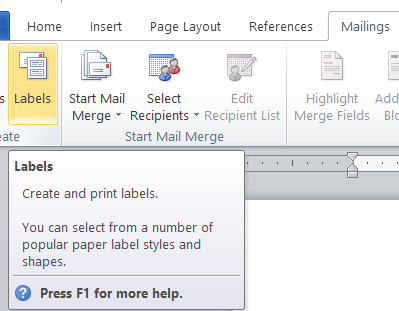
Step 1
Mailings Menu < Labels
Step 2
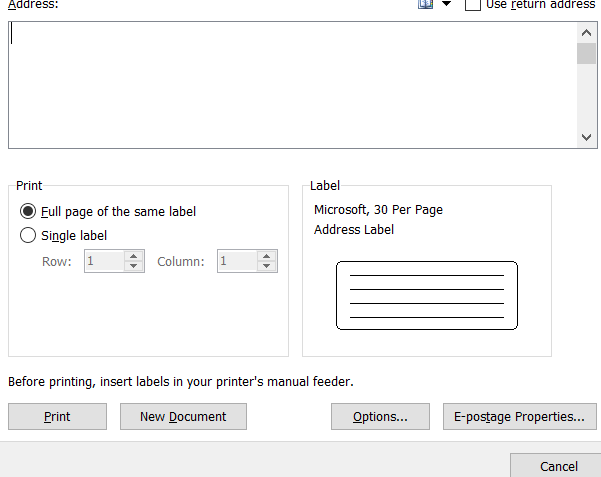
एक डायलॉग बॉक्स ओपन होगा
Step 3
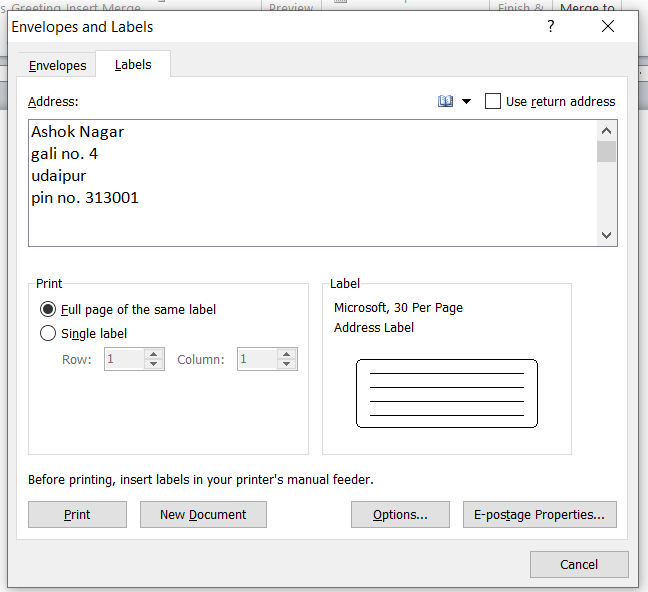
Lables मे जो लिखना है वह Address tab मे लिख दे। New Document option click पर करे
Step 4
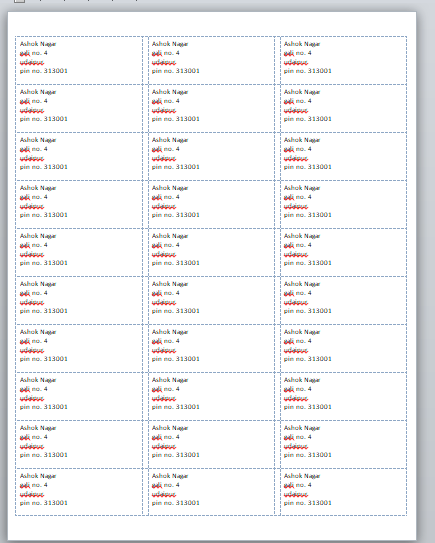
इस तरह से Lable बन जाते हैं
English Blog
Go to the Mailings Menu → Click on Labels.
A dialog box will open.
In the Labels tab, type the content (like address) in the Address box.
Then click on the New Document option.
Your Labels will now be created in the document like this:
(Word will generate a label layout ready for printing.)
Thanks to Google
Thanks To ChatGPT