 Anil Computers 18/368, PREM KUTIR, UNIVERSITY ROAD, UDAIPUR - 313001RAJASTHAN, INDIA
 [email protected]@[email protected]
 09414234600, 7737447183
 Anil Computers 18/368, PREM KUTIR, UNIVERSITY ROAD, UDAIPUR - 313001RAJASTHAN, INDIA[email protected]@[email protected]09414234600, 7737447183
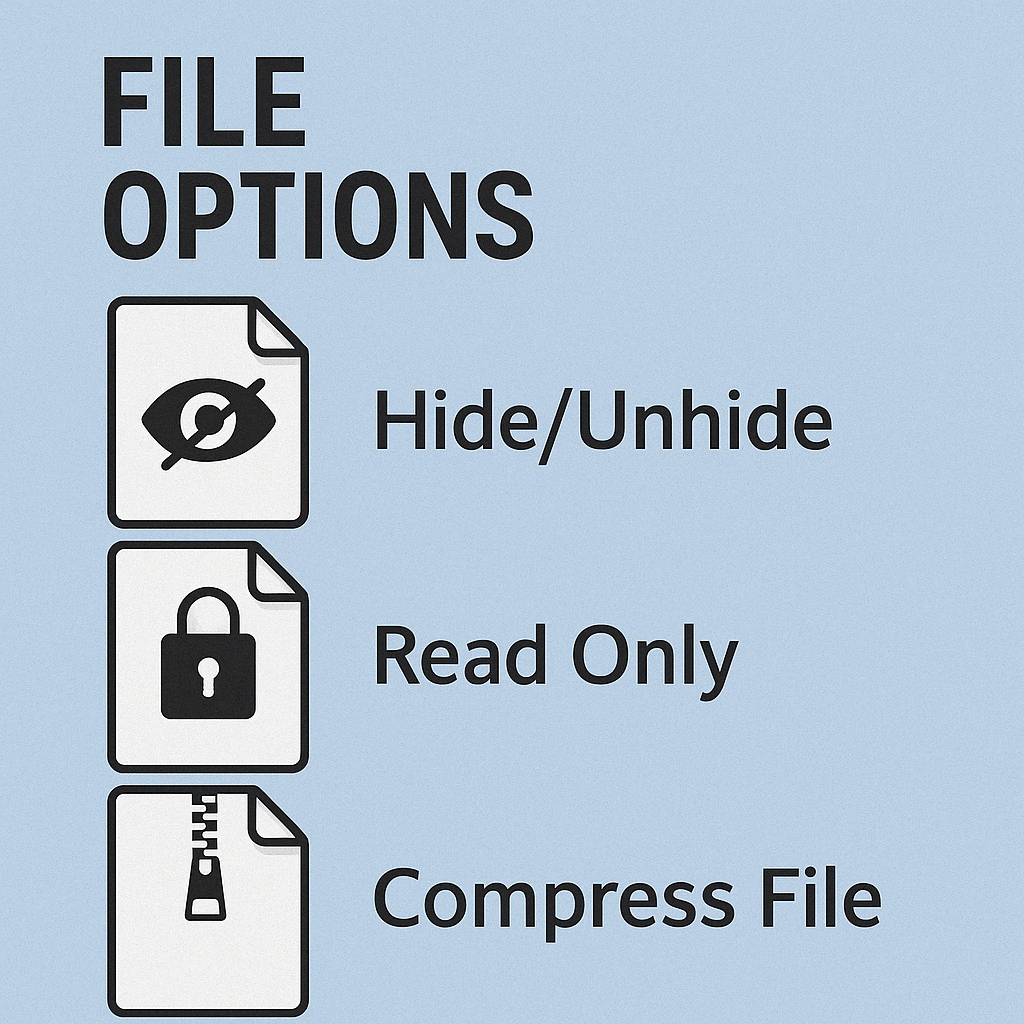
अपनी Important Files व Folder को Hide /Unhide करना
Files को Hide करना
-Select Files
-Properties
-Hidden
- Apply Ok
File को Unhide करना
- Click On My Computers
- Organize
- Folder And Search Options
- View
- Show Hidden File, Folders Or Drive
- Apply
- Ok
किसी File को Read Only बनाना।
- Right Click On File
- Properties
- Read Only
- Read Only File मैं किसी प्रकार का कोई Change नहीं होगा
File को Compress करना।
File को Compress करने से उसकी Size कम हो जाती है ।
Image Files पर Compress का ज्यादा प्रभाव नहीं होता है, इसका ज्यादा असर Word ,excel ,Power Point पर होता है ।
File को Compress करने के लिए।
- Right Click On File
- Send To
- Compress ( Zipped ) Folder
- Yes
- Note: Compress करने के लिए Softwares होता है ।
- Eg: Winrar, Winzip Etc.