 Anil Computers 18/368, PREM KUTIR, UNIVERSITY ROAD, UDAIPUR - 313001RAJASTHAN, INDIA
 [email protected]@[email protected]
 09414234600, 7737447183
 Anil Computers 18/368, PREM KUTIR, UNIVERSITY ROAD, UDAIPUR - 313001RAJASTHAN, INDIA[email protected]@[email protected]09414234600, 7737447183
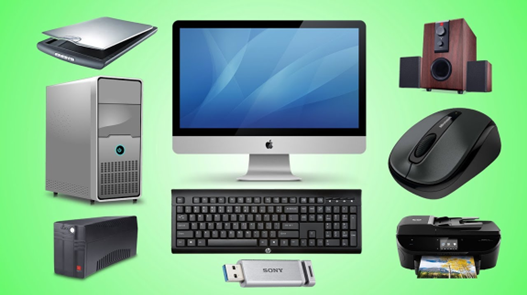
What are the different types of hardware?
Hardware is that part of the computer that we can see and touch.
They are called hardware.
1. Monitor
Monitor is a type of output device.
There are three types of monitors.
i) CRT Monitor (Cathode Ray Tube)
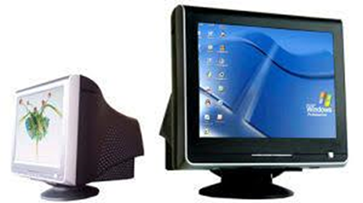
CRT monitor looks just like a TV. The picture tube in it is called CRT. CRT is a very cheap technology. This technology was in use a few years ago.
ii) LCD Monitor (Liquid Crystal Display)
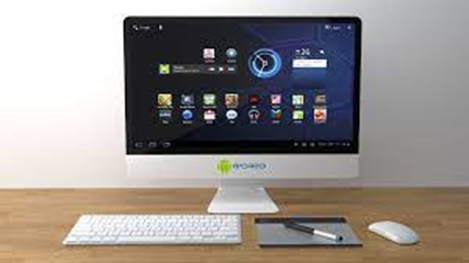
It takes up less space and consumes less power.
iii) LED Monitor (Light Emitting Diode)
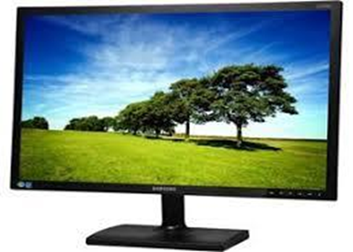
At present, LED (light-emitting diode) is being used in place of LCD (liquid crystal display).
It looks exactly like an LCD monitor, but LED uses 1.5 watts of power and puts very little strain on the eyes.
LED monitors work for a longer time than LCD.
At present, LED monitors are used.
2. Keyboard
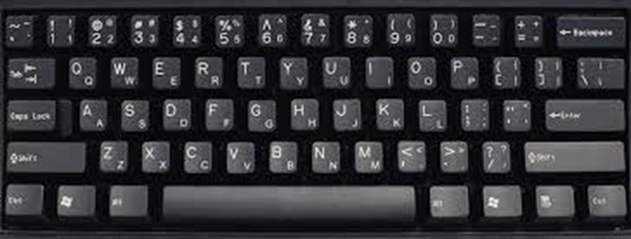
A keyboard is an input device. With the help of a keyboard, we give instructions to the computer. A keyboard is mainly used to write text.
Apart from this, the keyboard can also be used like a mouse.
The keyboard can also be used to control the computer.
Types of Keyboard
1 Mechanical Keyboard
2. Membrane Keyboard
3. Wireless Keyboard
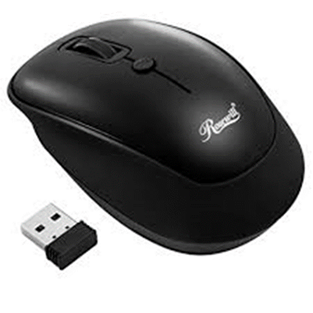
3. Mouse
Normally there are three types of Mouse.
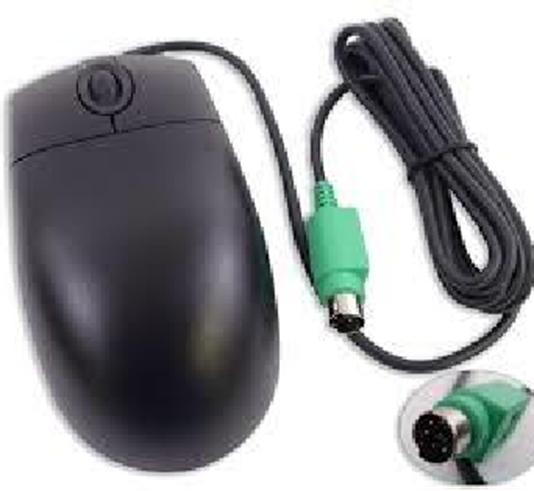
1- PS2 Mouse (Personal System 2):- It has 6 pins. It can be connected only on a desktop computer. Because there is no port for a PS2 mouse on a laptop computer.
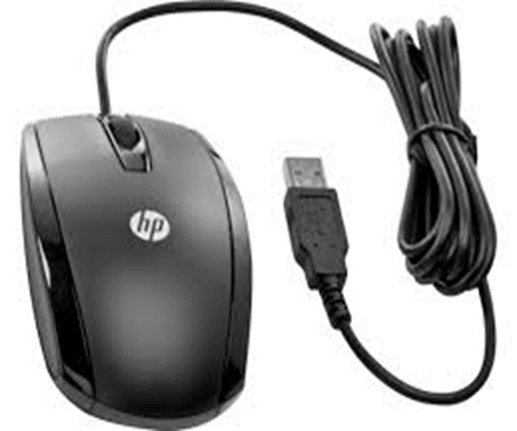
2. USB (Universal Serial Bus) Mouse:- This mouse can be connected to both laptop computers and desktop computers. Its pin is wide.
3. Wireless Mouse:- A wireless mouse is an optical mouse. It does not have a wire, but a battery (cell) is used to power the mouse. Mouse works through this.
4. CPU
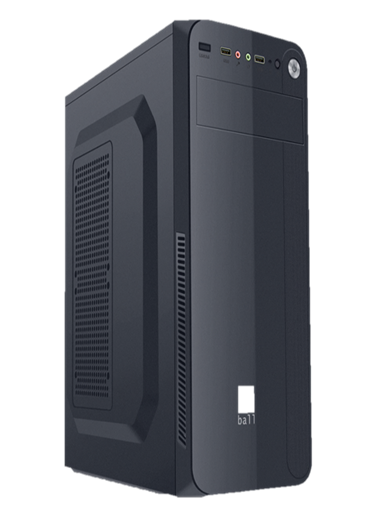
CPU (Central Processing Unit) We also call it a processor and microprocessor. The CPU is installed on the motherboard mounted on the cabinet. Which we call a microprocessor. It is the brain of the computer. It depends on this how much speed the computer will have. It comes in different configurations. Like Dual-cure, cure due I3, I5, and I7. Also, different generations also come in it. Like 4th, 5th, 6th, 7th, etc.
CPU has some parts-
1. Arithmetic logic Unit
2. Control Unit
3. Memory Unit
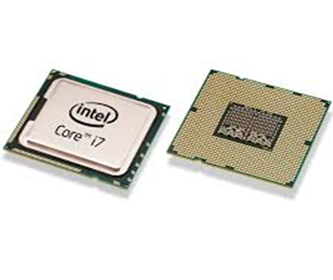
A CPU is an electronic microchip. Which is square in shape. It processes the data given by us. It is also called a data processing unit. The CPU changes its data into information.
6. Mother Board
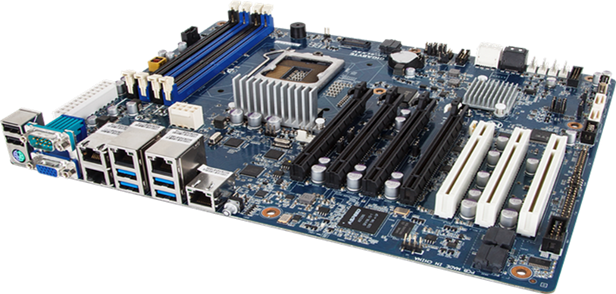
There is a circuit board to join and connect different parts inside the computer, which is called the motherboard. There are sockets inside the motherboard to connect the CPU, RAM, graphics cards, hard drives, disk drives, power supply, etc. The motherboard is the most important part of the computer. It controls the entire system.
7. RAM
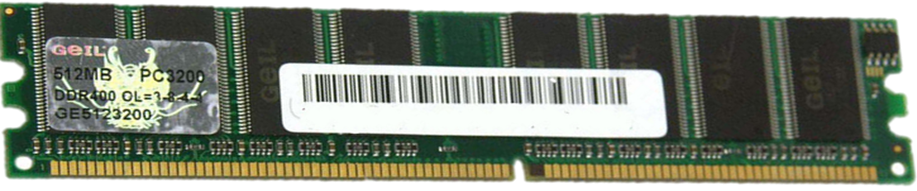
RAM is called volatile memory and temporary memory. It stays temporarily in our computer. We cannot store data in it. It works to provide space to programs in our computer. RAM is up to 1GB, 2GB, 4GB, 8GB, 16GB, or 32GB. Normally 4GB RAM is available for work. And for graphical work, we should use 16GB RAM. RAM is necessary according to the size of the heavy program. Because the commands of that program remain temporary in RAM.
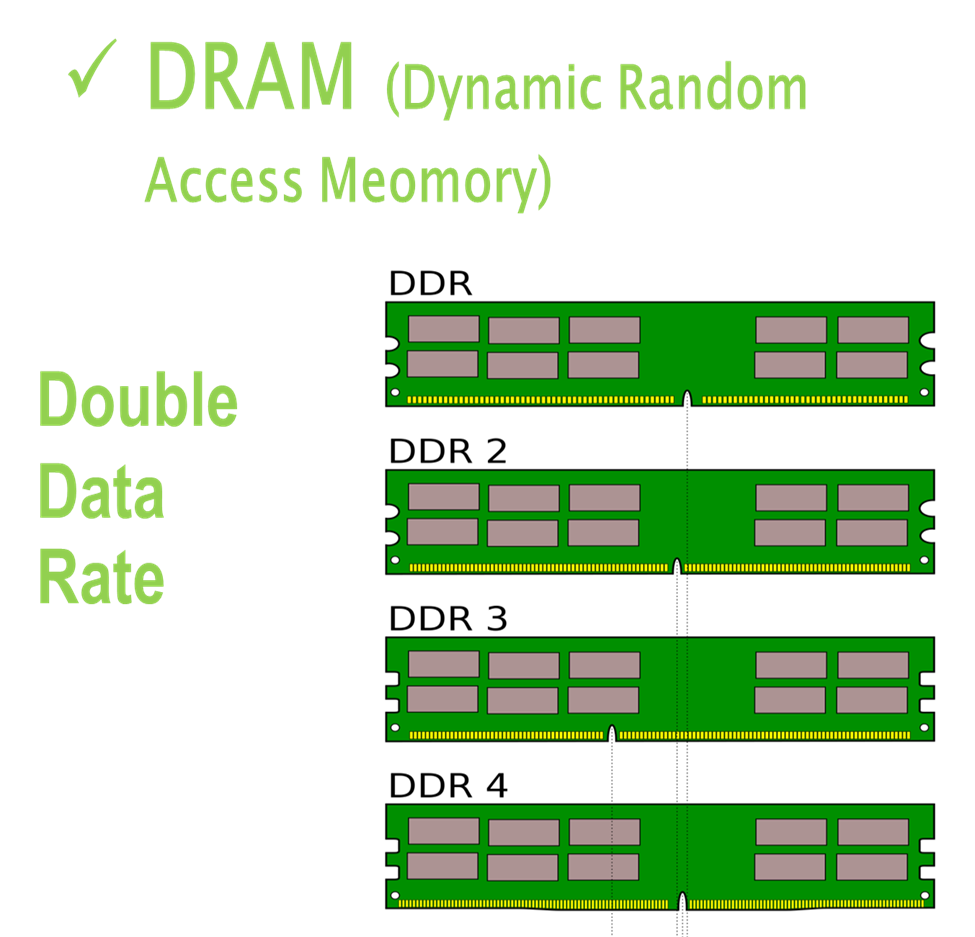
RAM is of two types -
1. Dynamic RAM: We also call it DRAM. It has a transistor and a capacitor. DRAM is refreshed repeatedly. Due to which its speed is slow. Its information is lost when the power goes off.
2. Static RAM: We also call it SRAM. It has more than one transistor. Data remains in it as long as there is a power supply. It loses its memory when the computer is turned off.
8. ROM
ROM (read-only memory) is non-volatile memory. We know it as permanent memory. Our data remains stored in ROM even after power is switched off. Data can be stored permanently in ROM. Clock, calendar, and date programs are stored in it.
Such memory is called non-volatile in computers.
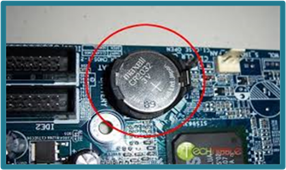 Battery cell
9. SMPS
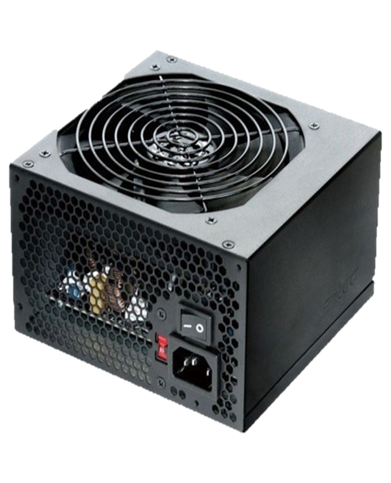
The power supply in our homes is in the form of AC (alternating current). SMPS converts this AC current into DC (direct current). Because our computer requires DC current.
10. Hard Disk
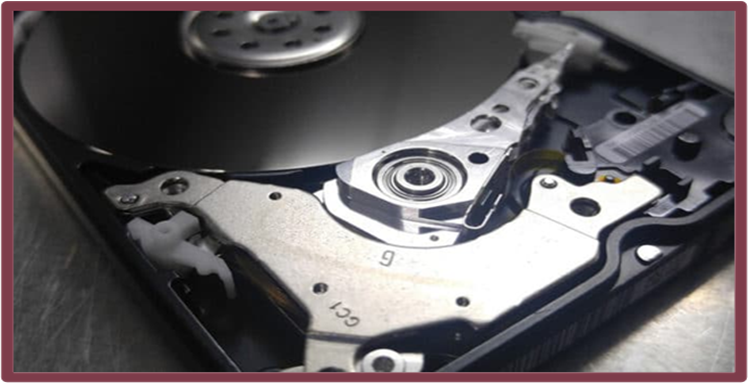
A hard disk is a storage device that is used to store data in a computer. A hard disk stores data permanently. Data remains in memory until it is deleted. Hard disks are of both types - internal and external.
There are two types of hard disk.
SATA Hard Disk
(Serial Advanced Technology Attachment)
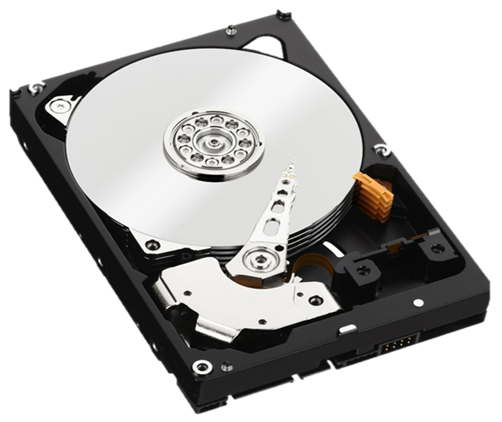
The computer is connected through a SATA cable. Which is connected to the motherboard. And the power cable is also connected to it. It has a movable disk. It rotates and has a head on it that reads the data.
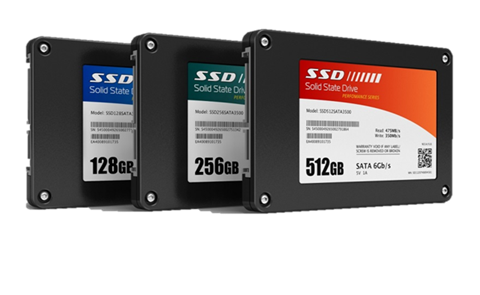
SSD Hard Disk (Solid State Drive)
This is a nonvolatile storage device. It has a microchip. Data is stored in the chip. These hard disks are quite fast. But their cost is high.
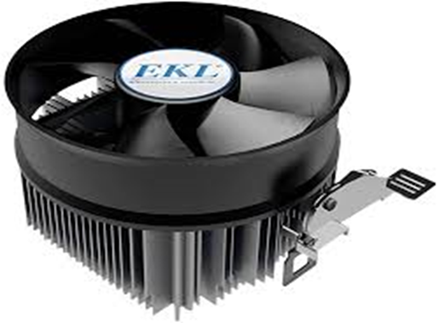
11. Fan
What is the use of fan in computer
1. When the computer runs for a long time, it becomes very hot. All its parts get hot, a fan is used to cool them. It throws out the heat inside.
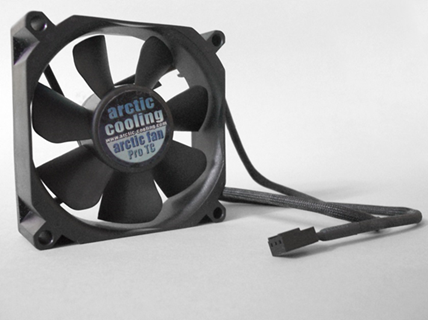
2. The fan fitted on the microprocessor cools it by blowing air. Thermal paste is applied on the bottom of the fan and the microprocessor. Which keeps the processor cool to a great extent.
Software
Software are those programs that we cannot touch and feel.
Software are of two types
1. System Software
2. Application Software
System Software
They are those software which manage and control the hardware of the computer. These are needed to run the computer. It is because of system software that application software can run in the computer or we can work on it.
System software has an important part, which we call the operating system.
Application Software
These are those software that we use for our work.
Application software like MS Office, Tally, AutoCAD, etc. Every application software is made for a specific work.
Like in MS Office Word, we can prepare documents; in Excel, we can make bills. Tally is for accounting work etc.
Application software depends on system software.
Application software does not communicate directly with the computer but it communicates with the system software.
Input and Output Devices
Input and output devices are the most important devices of a computer.
Input Device
Computer input devices are integral parts of any computing system, serving as the primary means through which humans communicate with computers and input data into them. These devices allow us to interact with software, perform tasks, and navigate digital interfaces. Input devices transmit the instructions given by us to the computer; the computer understands them and then gives us the result. Keyboard, mouse, scanner, joystick, etc., are input devices.
Output Device
When we give any input to the computer through an input device, after that the data processing happens, and then the output we get is obtained through the output device.
Example:
Monitors, printers, plotters, speakers, projectors, etc. are output devices.
Checking computer properties
1) Right click on my computer or computer icon on Desktop
- Click on Properties
1. Operating system
2. processor
3. RAM
4. System type
5. Computer name
2) Press Window key + R
- Type dxdiag
We can also see the internal properties of the computer through this.
Hardware Introduction In Hindi
Thanks to Google
Thanks to ChatGPT