 Anil Computers 18/368, PREM KUTIR, UNIVERSITY ROAD, UDAIPUR - 313001RAJASTHAN, INDIA
 [email protected]@[email protected]
 09414234600, 7737447183
 Anil Computers 18/368, PREM KUTIR, UNIVERSITY ROAD, UDAIPUR - 313001RAJASTHAN, INDIA[email protected]@[email protected]09414234600, 7737447183
Pages
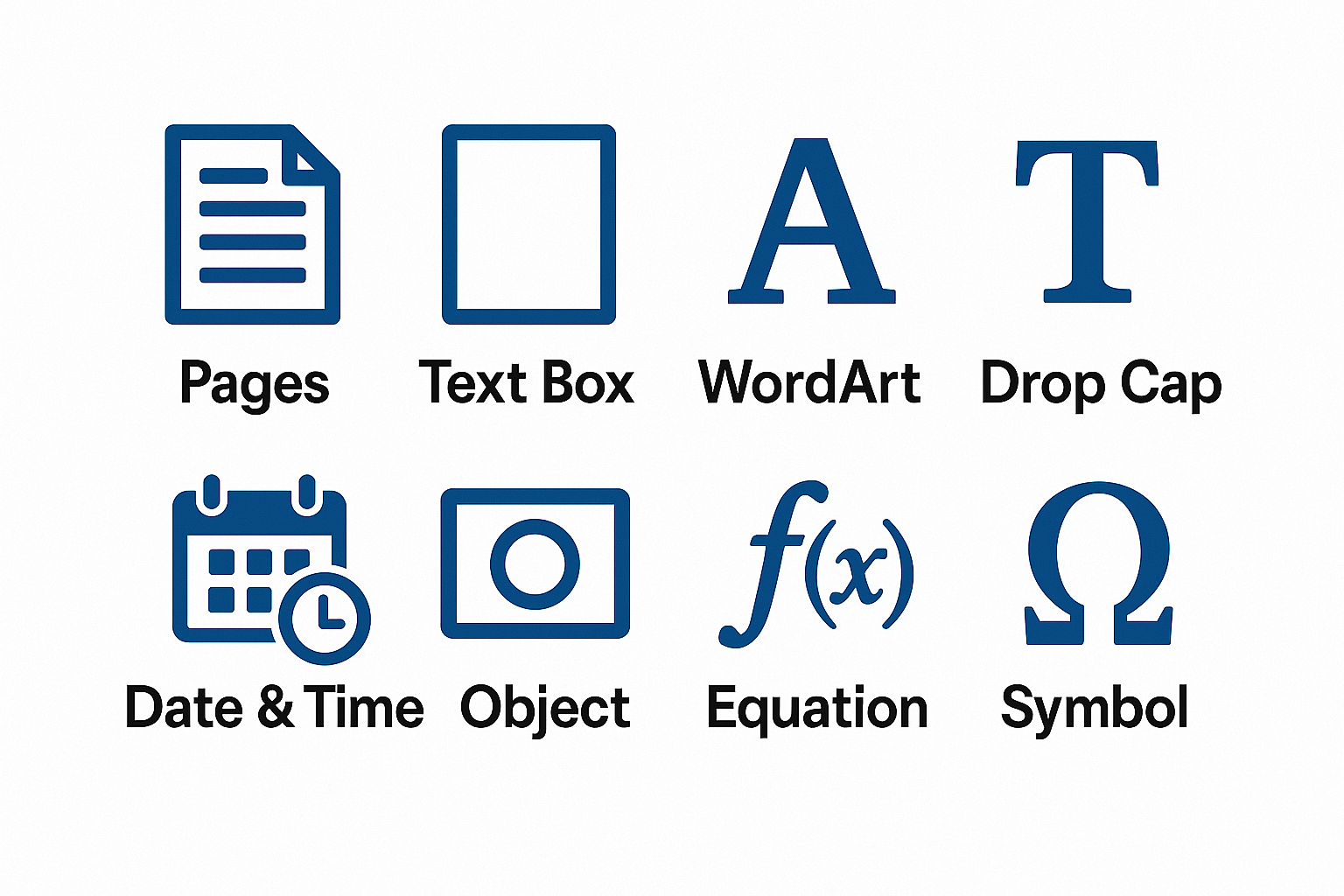
MS Word provides multiple Insert Menu tools to make documents more professional, creative, and user-friendly. In this blog, we will learn about Pages, Text Box, WordArt, Drop Cap, Date & Time, Object, Equation, and Symbol with their uses.
Insert Menu → Cover Page
Choose a cover page design suitable for your document.
A cover page includes the title, author, date, and other details in a ready-made format.
Used to add a new blank page in your document at the cursor position.
Helps to start a new page from the cursor’s position without pressing Enter multiple times.
Text Box
Insert Menu → Text Box
A pre-formatted box to highlight important text.
Commonly used in greeting cards, visiting cards, posters, etc.
After inserting, a text toolboxopens for formatting.
WordArt
3. Used to create stylish and decorative text.
Insert → WordArt → Select a design → Type your text.
Great for titles, headings, and creative documents.
Drop Cap
Insert Menu → Drop Cap
Makes the first letter of a paragraph large and stylish.
Used in magazines, newspapers, and books for a creative look.
Date & Time
Insert → Date & Time
Inserts current date and time at cursor position.
Useful for official letters, reports, and records.
Object
There are 2 options under Object:
Object – Insert another type of file (example: Bitmap image, Excel sheet, PDF, etc.).
Text from File – Copy content from another file into the current document.
Equation
Insert → Equation
Used to add mathematical formulas.
You can select a ready-made formula or create your own.
Helpful for students, teachers, engineers, and researchers.
Symbol
Insert → Symbol → More Symbols
Add special characters like (©, √, €, ™, etc.).
Very useful for scientific, legal, and professional documents.
The Insert Menu in MS Word makes documents attractive, professional, and functional. With the help of Pages, Text Box, WordArt, Drop Cap, Date & Time, Object, Equation, and Symbol, you can create official, creative, and academic files with ease.
Learn these features practically at Anil Computers—the best computer institute in Udaipur.
Thanks to Google
Thanks to ChatGPT