 Anil Computers 18/368, PREM KUTIR, UNIVERSITY ROAD, UDAIPUR - 313001RAJASTHAN, INDIA
 [email protected]@[email protected]
 09414234600, 7737447183
 Anil Computers 18/368, PREM KUTIR, UNIVERSITY ROAD, UDAIPUR - 313001RAJASTHAN, INDIA[email protected]@[email protected]09414234600, 7737447183
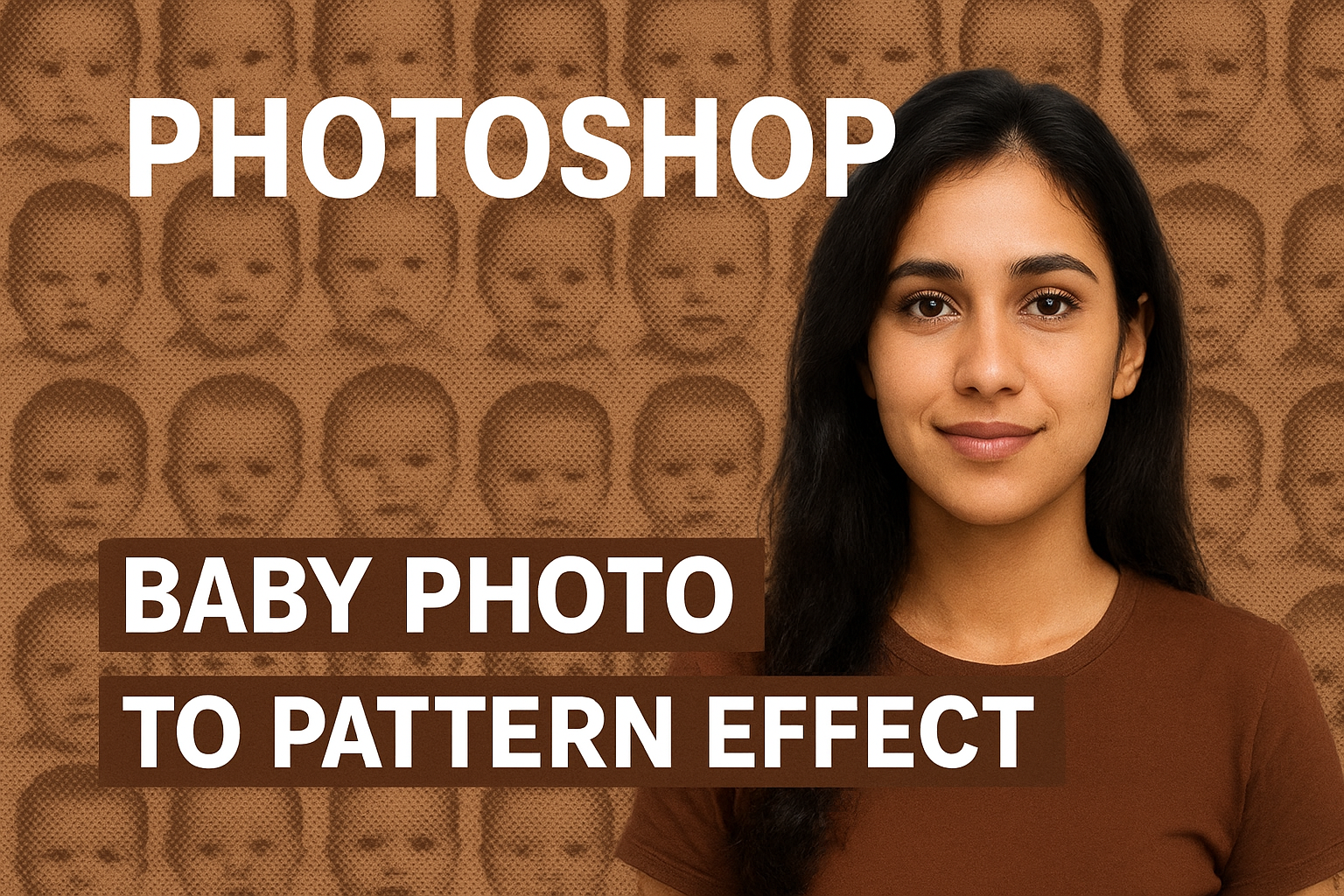
PHOTO WITH PHOTO
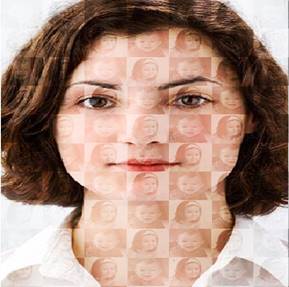
In Photoshop, the Photo with Photo effect is a creative way to merge images together and give a stylish overlay look. This effect is commonly used in posters, digital art, wedding albums, and social media graphics. At Anil Computers, Udaipur, we teach this step by step in our Photoshop course.
Photoshop में Pattern Effect का उपयोग करके हम किसी भी फोटो पर बेहतरीन डिज़ाइन बना सकते हैं। इस ट्यूटोरियल में आप सीखेंगे कि कैसे Baby Boy और Baby Girl की फोटो से Pattern तैयार करके उसे Lady Image पर Overlay Effect की तरह लगाया जा सकता है।
यह तरीका Passport-size फोटो एडिटिंग, क्रिएटिव आर्टवर्क और ग्राफिक डिजाइन में बहुत काम आता है।
Here’s how you can create this amazing effect:
Step 1: फाइल ओपन करना
Open File ( Lady, Baby Boy , Baby Girl ) > Duplicate
Baby Boy & Baby Girl File > Crop Tool > 50 x 50 pixel > Resolution : 100 > Ok
Step 2: Pattern बनाना
New File ( Ctrl + N ) > 100 x 100 Pixels > Resolution : 100 > Ok
By Move Tool Drag Baby Boy and Girl Photo On New File
Like This
Ctrl + Shift + E : Merge
Ctrl + Shift + U : Desaturate
Edit > Define Pattern
Step 3: Lady Image पर Pattern लगाना
Lady Image > New Layer > Shift + F5 ( Fill ) > Contents : Pattern
Custom Pattern : Last Image
Blend Mode : Overlay
Opacity : decrease
इस प्रोसेस के बाद Lady Image पर Baby Boy और Girl की फोटो का Overlay Pattern Effect दिखाई देगा। यह तकनीक फोटो एडिटिंग, डिजाइनिंग और प्रिंटिंग प्रोजेक्ट्स के लिए बहुत उपयोगी है।
यह ब्लॉग Anil Computers, Udaipur की Photoshop क्लास के लिए विशेष रूप से तैयार किया गया है।
? AI Tools & Technology Credits
इस लेख को आसान, स्पष्ट और उपयोगी बनाने के लिए आधुनिक AI तकनीकों की सहायता ली गई है।
इन टूल्स की मदद से रिसर्च, कंटेंट लेखन, डिजाइन, SEO और वीडियो क्रिएशन तेज़, सटीक और प्रोफेशनल तरीके से किया गया है।
हम इन सभी AI प्लेटफॉर्म्स का आभार व्यक्त करते हैं जिन्होंने सीखने और सिखाने की प्रक्रिया को सरल और प्रभावी बनाया।
यदि आप भी ब्लॉग, स्टडी नोट्स, प्रोजेक्ट या डिजिटल कंटेंट बनाना चाहते हैं, तो इन टूल्स का उपयोग अवश्य करें:
? OpenAI ChatGPT – AI Content Writing & Ideas
? Google Gemini – Smart Research Assistant
? Canva – Graphics & Design Creation
? Google Flow – AI Video Creation Tool
? InVideo – AI Video Maker & Reels Creator
? Ubersuggest – SEO & Keyword Research Tool
https://neilpatel.com/ubersuggest
? Remove.bg – Background Remover for Images
? ElevenLabs – AI Voiceover Generator
? Microsoft Copilot – Documents & Office Productivity AI
✨ AI tools के साथ सीखें, तेज़ी से बढ़ें और अपने काम को प्रोफेशनल बनाएं।
— Team Anil Computers