 Anil Computers 18/368, PREM KUTIR, UNIVERSITY ROAD, UDAIPUR - 313001RAJASTHAN, INDIA
 [email protected]@[email protected]
 09414234600, 7737447183
 Anil Computers 18/368, PREM KUTIR, UNIVERSITY ROAD, UDAIPUR - 313001RAJASTHAN, INDIA[email protected]@[email protected]09414234600, 7737447183
CLASS : 6
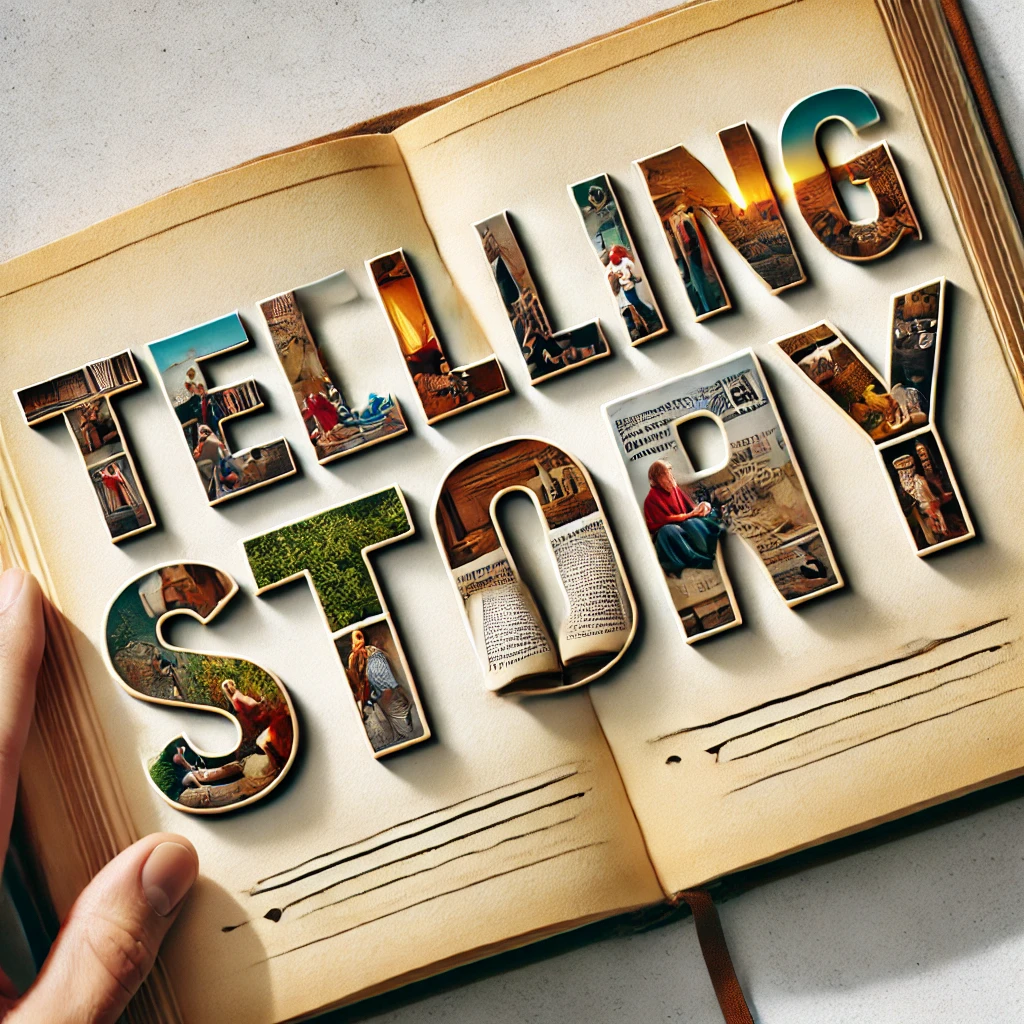
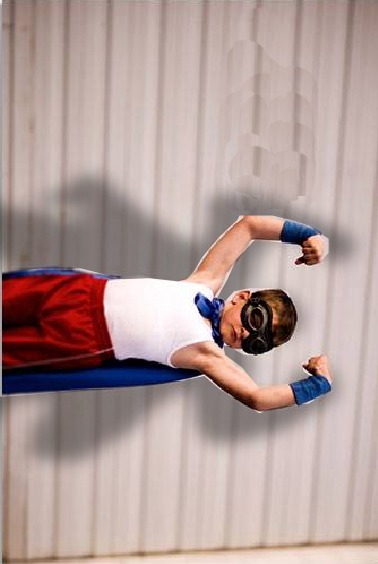
Photoshop सिर्फ Photo Editing के लिए ही नहीं बल्कि Storytelling Effects बनाने के लिए भी इस्तेमाल किया जा सकता है। इस ट्यूटोरियल में हम सीखेंगे कि कैसे एक साधारण फोटो (Boy) और एक सुपरहीरो (Superman) को मिलाकर एक Creative Storytelling Effect तैयार किया जाए।
Telling story A & B :-
Open file A (boy) & B (superman)
Step 1: Select & Duplicate Characters
Duplicate file
Note :- Always off the caps lock key.
Step 1
Polygonal lasso tool > select boy from all side
> selected boy > ctrl + J ( Duplicate the boy )
Then select superman from all side
Move tool (V) ls superman dks boy okyh file ij ys tk,A
and close the superman file
Step 2: Transform Superman
ctrl + T ( Transfrom tool )
Decrease superman size > Right click > Flip Horizontal
Step 3: Add Foreground & Background Fill
Alt + shift + backspace : Foreground color ( black ) fill on object
ctrl + shift + backspace : Background color (white) fill on object
Fill black color > opacity decrease by 60 to 70 %
Step 4: Arrange Layers
superman layer dks boy dh layer ds ihNs ysaxsA ( drag the layer )
Step 5: Add Blur Effect
Filter > Blur > Gaussian blur > redius set > ok
आपके Designs को अधिक Creative और Expressive बनाते हैं।
Social Media, Posters, और Digital Art में इस्तेमाल किए जा सकते हैं।
Thanks To ChatGPT
Thanks To Google
? AI Tools & Technology Credits
इस लेख को आसान, स्पष्ट और उपयोगी बनाने के लिए आधुनिक AI तकनीकों की सहायता ली गई है।
इन टूल्स की मदद से रिसर्च, कंटेंट लेखन, डिजाइन, SEO और वीडियो क्रिएशन तेज़, सटीक और प्रोफेशनल तरीके से किया गया है।
हम इन सभी AI प्लेटफॉर्म्स का आभार व्यक्त करते हैं जिन्होंने सीखने और सिखाने की प्रक्रिया को सरल और प्रभावी बनाया।
यदि आप भी ब्लॉग, स्टडी नोट्स, प्रोजेक्ट या डिजिटल कंटेंट बनाना चाहते हैं, तो इन टूल्स का उपयोग अवश्य करें:
? OpenAI ChatGPT – AI Content Writing & Ideas
? Google Gemini – Smart Research Assistant
? Canva – Graphics & Design Creation
? Google Flow – AI Video Creation Tool
? InVideo – AI Video Maker & Reels Creator
? Ubersuggest – SEO & Keyword Research Tool
https://neilpatel.com/ubersuggest
? Remove.bg – Background Remover for Images
? ElevenLabs – AI Voiceover Generator
? Microsoft Copilot – Documents & Office Productivity AI
✨ AI tools के साथ सीखें, तेज़ी से बढ़ें और अपने काम को प्रोफेशनल बनाएं।
— Team Anil Computers