 Anil Computers 18/368, PREM KUTIR, UNIVERSITY ROAD, UDAIPUR - 313001RAJASTHAN, INDIA
 [email protected]@[email protected]
 09414234600, 7737447183
 Anil Computers 18/368, PREM KUTIR, UNIVERSITY ROAD, UDAIPUR - 313001RAJASTHAN, INDIA[email protected]@[email protected]09414234600, 7737447183
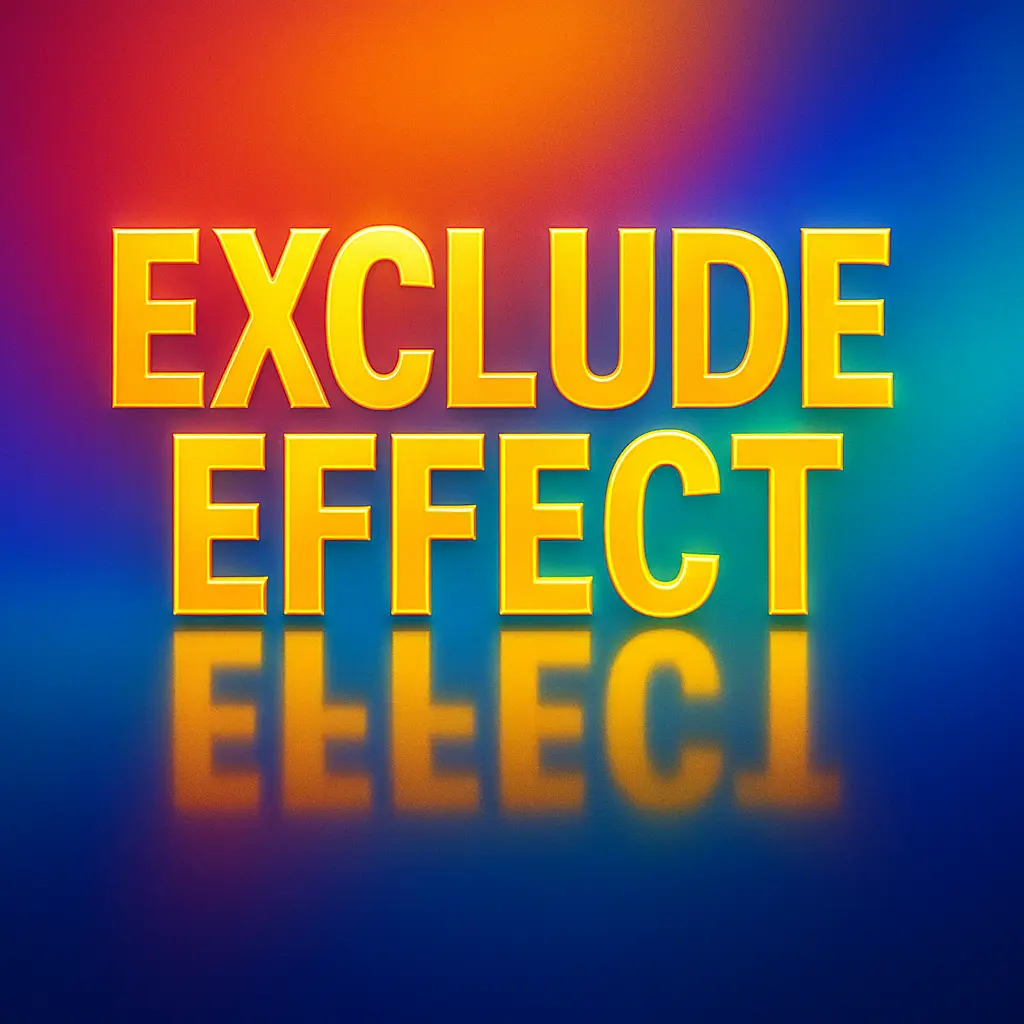
Photoshop एक Powerful Tool है जिससे हम Text और Images पर क्रिएटिव इफेक्ट्स डाल सकते हैं। इस ब्लॉग में Anil Computers, Udaipur आपको दो बेहतरीन Effects सिखाएगा:
Reflection Effect – टेक्स्ट का पानी जैसा रिफ्लेक्शन बनाने के लिए।
Text Exclude Effect – टेक्स्ट को मॉडिफाई करके उसे Stylish Look देने के लिए।
Open New File:
Press Ctrl + N
Set Size: 6" x 4"
Resolution: 72
Mode: RGB
Type Text:
Use Text Tool → Type your desired text.
Duplicate text layer → Ctrl + J
Flip Text:
Press Ctrl + T → Right Click → Flip Vertical
Use Move Tool (V) → Place it below original text.
Add Gradient Effect:
Add Layer Mask to duplicate text.
Select Gradient Tool → Linear Gradient → Colors: Black & White.
Drag gradient from down to up for realistic reflection.
Open New File:
Size: 6" x 4"
Resolution: 72
Mode: RGB
Type & Resize Text:
Use Text Tool → Type text.
Ctrl + T → Increase text size.
Convert Text to Shape:
In Layer Window → Right click on text layer → Convert to Shape.
Modify Text Shape:
Use Direct Selection Tool → Select text with Shift.
In Properties Bar → Select Exclude Overlapping Shapes.
Rotate & Adjust:
Use Path Selection Tool → Overlap shapes → Ctrl + T → Rotate if required.
Add Style:
Apply Layer Style > Drop Shadow → Click OK.
Both Reflection Effect and Text Exclude Effect are powerful techniques to make your text more creative and professional. These are widely used in graphic designing, branding, and advertisements.
? AI Tools & Technology Credits
इस लेख को आसान, स्पष्ट और उपयोगी बनाने के लिए आधुनिक AI तकनीकों की सहायता ली गई है।
इन टूल्स की मदद से रिसर्च, कंटेंट लेखन, डिजाइन, SEO और वीडियो क्रिएशन तेज़, सटीक और प्रोफेशनल तरीके से किया गया है।
हम इन सभी AI प्लेटफॉर्म्स का आभार व्यक्त करते हैं जिन्होंने सीखने और सिखाने की प्रक्रिया को सरल और प्रभावी बनाया।
यदि आप भी ब्लॉग, स्टडी नोट्स, प्रोजेक्ट या डिजिटल कंटेंट बनाना चाहते हैं, तो इन टूल्स का उपयोग अवश्य करें:
? OpenAI ChatGPT – AI Content Writing & Ideas
? Google Gemini – Smart Research Assistant
? Canva – Graphics & Design Creation
? Google Flow – AI Video Creation Tool
? InVideo – AI Video Maker & Reels Creator
? Ubersuggest – SEO & Keyword Research Tool
https://neilpatel.com/ubersuggest
? Remove.bg – Background Remover for Images
? ElevenLabs – AI Voiceover Generator
? Microsoft Copilot – Documents & Office Productivity AI
✨ AI tools के साथ सीखें, तेज़ी से बढ़ें और अपने काम को प्रोफेशनल बनाएं।
— Team Anil Computers