 Anil Computers 18/368, PREM KUTIR, UNIVERSITY ROAD, UDAIPUR - 313001RAJASTHAN, INDIA
 [email protected]@[email protected]
 09414234600, 7737447183
 Anil Computers 18/368, PREM KUTIR, UNIVERSITY ROAD, UDAIPUR - 313001RAJASTHAN, INDIA[email protected]@[email protected]09414234600, 7737447183
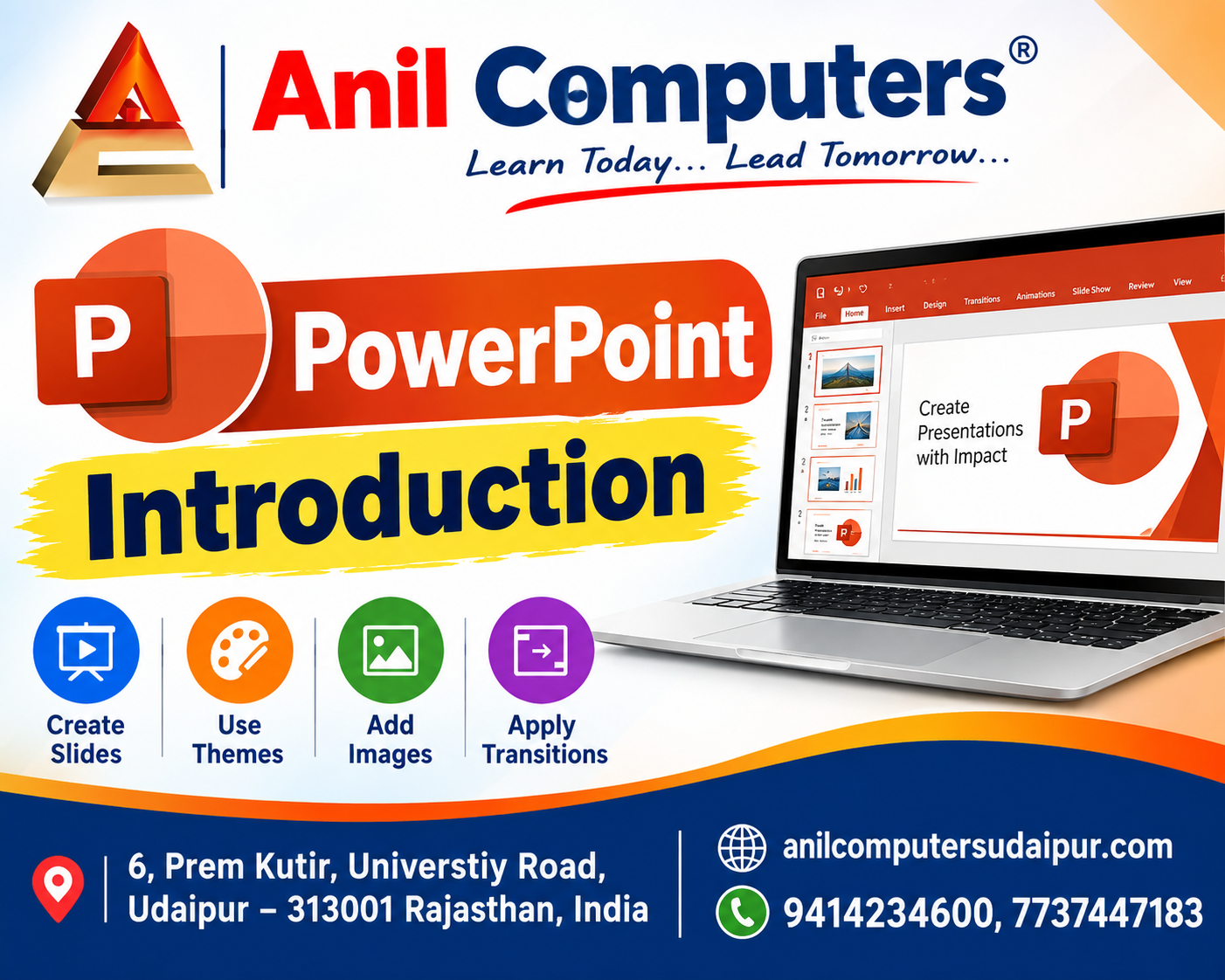
MS Power Point
Microsoft PowerPoint को Usually सिर्फ Power Point ही कहा जाता है
यह एक Presentation Program है
Presentation एक तरह का Interaction होता है जो कि Speaker और Audience के बीच होता है
Power Point की File को Presentation कहते हैं
Power Point मैं File की Pages को Slide कहते हैं
Short Commands Of MS PowerPoint
Ctrl + N > New file/ presentation
Ctrl + M >New slide
Ctrl + D > Duplicate objects
Ctrl+ Shift+ D >Duplicate slides
F5 > runs /slide show
(Slide को पूरी screen पर देखने के लिए ) from beginning
Ctrl+ W > Close file /presentations
ESC > Slideshow को बीच में से Quit करने के लिए
Shift + F5 >To run from the current slide
New Presentation
File < New
1. Blank Presentation
2. Sample Templates
3. Themes < Creates
New slide :- Home > New slide
अलग-अलग type की slide है जो चाहिए उस पर Click करना है।
Themes :- Slide में अलग-अलग तरह के Themes Apply करना।
Design>Themes> select desire themes
i) Background styles : - Themes में अलग-अलग Background styles लगाना।
ii) Hide Background graphics :-Themes में अलग-अलग Background graphics को Hide करना।
iii) slide orientation :- slide को vertical or Horizontal के रूप में देखना।
iv) Page steup :- Slide की अलग-अलग size use करना।
Photo Album -
1) New Photo Album :-
Insert Menu > Photo Album > New Photo Album > file/Disk > select Photos > insert > Create
2) Edit Photo Album :-पहले से जो Photo Album बनी हुई है, उसमें कोई Change करना।
insert > Photo Album > Edit Photo Album > Make desire Changes > Update
PowerPoint Introduction English Blog
Thanks To Google
Thanks To ChatGPT
AI Content Writing & Research Tools
OpenAI ChatGPT – AI Content Writing & Ideas
Google Google Gemini – Smart Research Assistant
Design & Graphics Tools
Canva – Graphics & Design Creation
Adobe Adobe Firefly – AI Image & Design Generation
Remove.bg – Background Remover for Images
Video Creation & Editing Tools
Google Google Flow – AI Video Creation Tool
InVideo – AI Video Maker & Reels Creator
Pictory – Blog to Video Conversion
Synthesia – AI Avatar Video Creation
Runway ML – AI Video Editing & Effects
CapCut – Short Video Editing
Voice & Audio Tools
ElevenLabs – AI Voiceover Generator
Descript – Audio/Video Editing with AI
SEO & Marketing Tools
Ubersuggest – SEO & Keyword Research Tool
https://neilpatel.com/ubersuggest
Productivity & Document Tools
Microsoft Microsoft Copilot – Documents & Office Productivity AI
iLovePDF – PDF Edit, Convert & Merge Tool
Popular AI Platforms for Learning
Midjourney
DALL·E
Leonardo AI
✨ AI tools के साथ सीखें, तेज़ी से बढ़ें और अपने काम को प्रोफेशनल बनाएं।
— Team Anil Computers